Is Your Shopify Speed Score Under 50? 5 Problems We See All The Time
You open your Shopify dashboard, check the speed score and see a number in the forties or even the thirties. You know it is not good, but it is not obvious what is actually causing it or where to start.
The reality is that Shopify stores rarely become slow because of one single thing. In almost every project we work on at Defne Agency, the low speed score is the result of several small decisions stacked together over time – theme changes, new apps, bigger images, extra tracking and so on.
What you will get from this guide
- An overview of what the Shopify speed score actually looks at.
- The five most common problems we see in real stores with a score under 50.
- Clear markers for when it is realistic to fix it yourself and when expert help saves time.
Why Shopify speed score matters for revenue
Shopify does not show a speed score just for fun. A slow theme and heavy scripts directly impact how many people actually see your products, add items to cart and complete checkout.
A low score usually goes hand in hand with:
- Higher bounce rate from mobile traffic.
- Lower add to cart rate on product pages.
- Less effective paid campaigns because landing pages load too slowly.
Speed is not about chasing a perfect number. It is about making sure your store feels fast enough that customers do not drop off before they can buy.
What your Shopify speed score actually measures
The Shopify speed score is based on Google Lighthouse reports taken from a selection of your pages. It focuses on metrics like Largest Contentful Paint, Total Blocking Time and Cumulative Layout Shift.
In simple terms, it looks at:
- How fast the main content appears on screen.
- How long heavy scripts block the browser from responding.
- How stable the layout is while the page loads.
If your store is under 50, you are usually dealing with delays around these areas. The question is where they are coming from, which brings us to the problems we see most often.
Problem 1: Heavy or outdated theme
Many Shopify stores start with a nice looking theme and then keep adding sections, sliders and scripts on top of it over time. The result can be a theme that is visually rich but technically heavy.
Common signs of theme bloat:
- Multiple hero sliders or carousels on the same page.
- Animation libraries loaded even when no animation is visible.
- Old sections and templates that are no longer used but still loaded in the background.
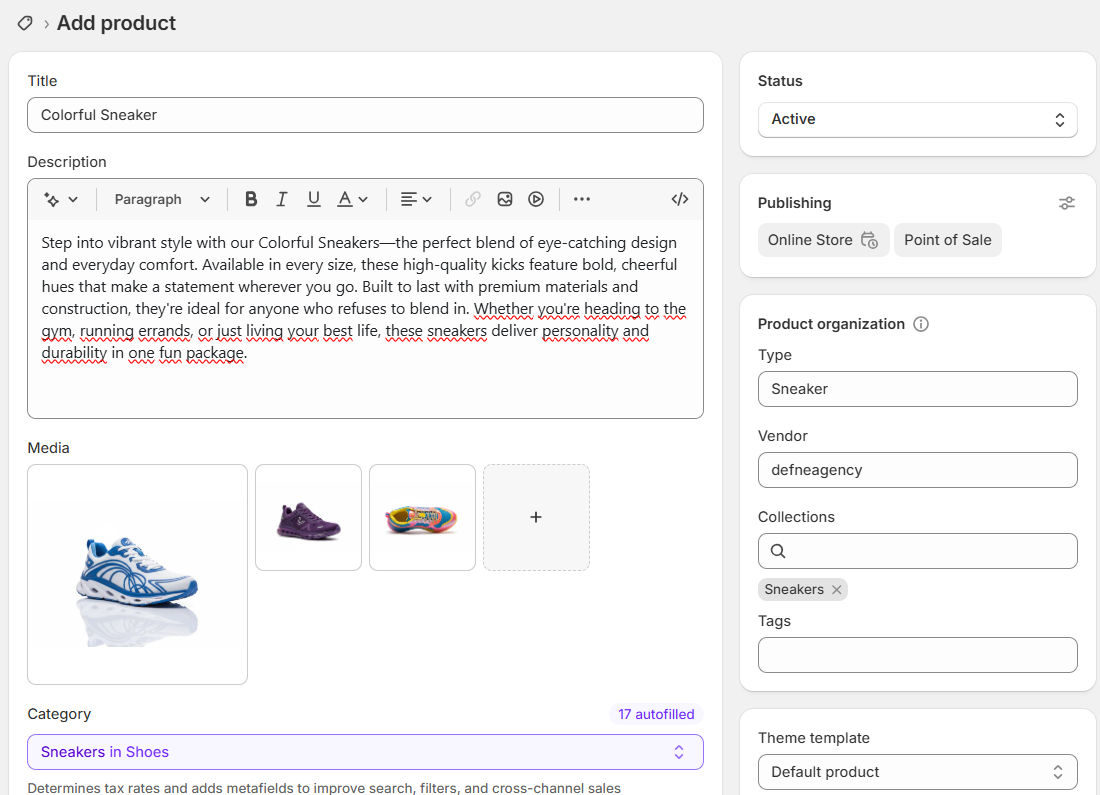
As a merchant you can often remove obviously unused sections from your page builder. But a real clean up of theme code usually means looking inside Liquid templates and asset files. That part is where an expert can safely reduce weight without breaking your layout.
Problem 2: Too many apps and conflicting scripts
Apps are one of the best things about Shopify. They also happen to be one of the easiest ways to slow a store down when they are installed without a plan.
Each app normally adds at least one script and sometimes extra stylesheets, fonts and tracking pixels. When you stack ten or fifteen of them, you end up with a long queue of requests before the page is usable.
We most often see slowdowns from apps that add:
- Pop ups and announcement bars.
- Reviews, loyalty points and referral widgets.
- Bundle builders, upsell and cross sell logic.
Problem 3: Unoptimised images and media
On Shopify you can upload big, beautiful images in seconds. The problem is that many of them are far larger than they need to be for web.
Even if your theme supports responsive images, issues like these can keep the store slow:
- Homepage hero images uploaded at several megabytes.
- Product photos exported without compression.
- GIF banners or auto playing background videos used on mobile.
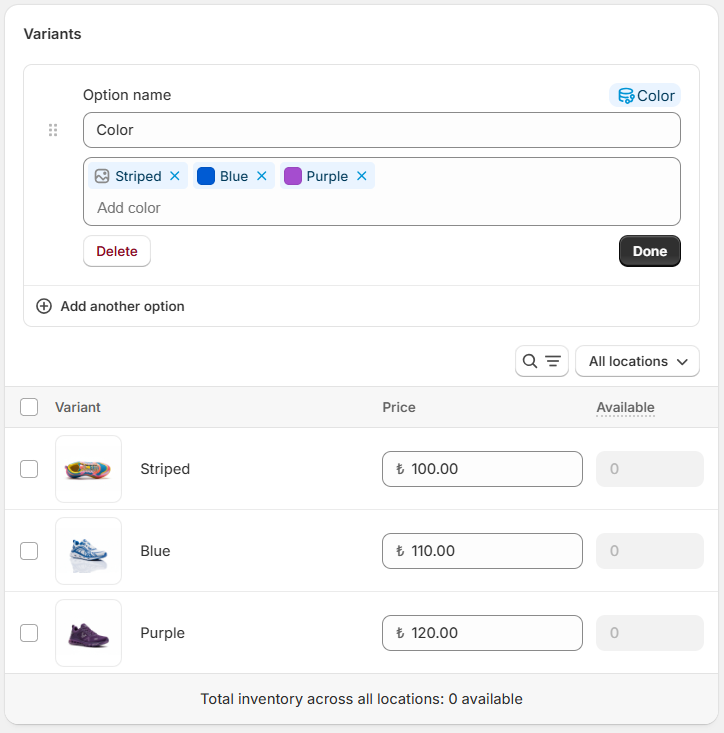
You can already make progress by exporting images at the right dimensions and using WebP where possible. For deeper optimisation – for example controlling how and when images are loaded across different templates – theme level changes are often needed.
Problem 4: Tracking and marketing scripts blocking the page
Ads, analytics and UX tools are essential for growth. They also inject extra JavaScript into your theme, sometimes directly inside the theme.liquid file.
We often see:
- Several analytics tools running side by side.
- Pixels installed both through Shopify and through tag managers.
- Heatmap or session recording tools running on every single page.
The safe way to clean this up is to centralise scripts in a tag manager and control when they fire. Implementing that clean structure correctly is a typical agency task because it touches both tracking strategy and theme implementation.
Problem 5: Hosting, CDN and technical setup
Shopify already handles hosting and CDN in the background, which is great. Still, technical choices around domains, redirects and third party resources can slow things down.
Examples we encounter in audits:
- Old domains that still redirect through several steps before reaching the live store.
- External fonts loaded from slow sources instead of being served efficiently.
- Blocking resources such as old script tags that are not used anymore.
These are usually not things you see from inside the admin. They show up when you run proper performance tests and inspect the waterfall view.
When you should bring in an expert team
There are two phases in a typical Shopify speed project. First you do the simple clean up you can manage as a merchant. Then, when the low hanging fruit is gone, you decide whether it is worth investing in a deeper technical optimisation.
You can usually handle on your own:
- Removing unused apps from the admin.
- Replacing oversized images with compressed versions.
- Turning off visual effects that are not critical for conversions.
You will move faster with an expert when it comes to:
- Refactoring or replacing a heavy theme.
- Building lighter custom sections to replace app based features.
- Cleaning up JavaScript, tracking and tag manager setups.
- Planning a long term performance roadmap for the store.
“The goal is not to hit a perfect 100. The goal is a Shopify store that feels fast for your customers and reliable for your marketing.”
Conclusion
If your Shopify speed score is under 50, it is a signal that something in your current setup is holding the store back. The good news is that the causes are usually predictable once you know where to look.
Start by removing what you clearly do not need and by fixing simple issues like oversized images. When you reach the limit of what you can safely change yourself, that is the right time to bring in a team that lives in themes, Liquid and performance reports every day.
At Defne Agency we help brands in the UK and EU turn slow Shopify stores into clean, conversion focused setups. Our work combines technical optimisation, design and performance marketing so you do not have to guess which changes will actually move the numbers.